

Group Black Friday orders into one pickup list, give every destination a unique order ID, and book a multi-drop service with complete recipient details. One collection can feed several GTA deliveries while preserving each parcel's destination and proof of delivery. Book a business delivery with Topping Courier and enter Promo Code: BLACKTOPPING when you book. Confirm the available service for your addresses before promising a delivery window.
Decide Which Orders Belong in One Pickup
Build a batch around the service and readiness of the orders, not simply the number of sales. Topping Courier describes one pickup and multiple drop-offs for its Same-day service and Next-day service. Same-day is booked by 11 a.m. on business days with a published delivery target of 6 p.m.; Next-day is booked by 11:59 p.m. for delivery by 6 p.m. on the next business day. A parcel that is not ready should not hold an otherwise bookable group.
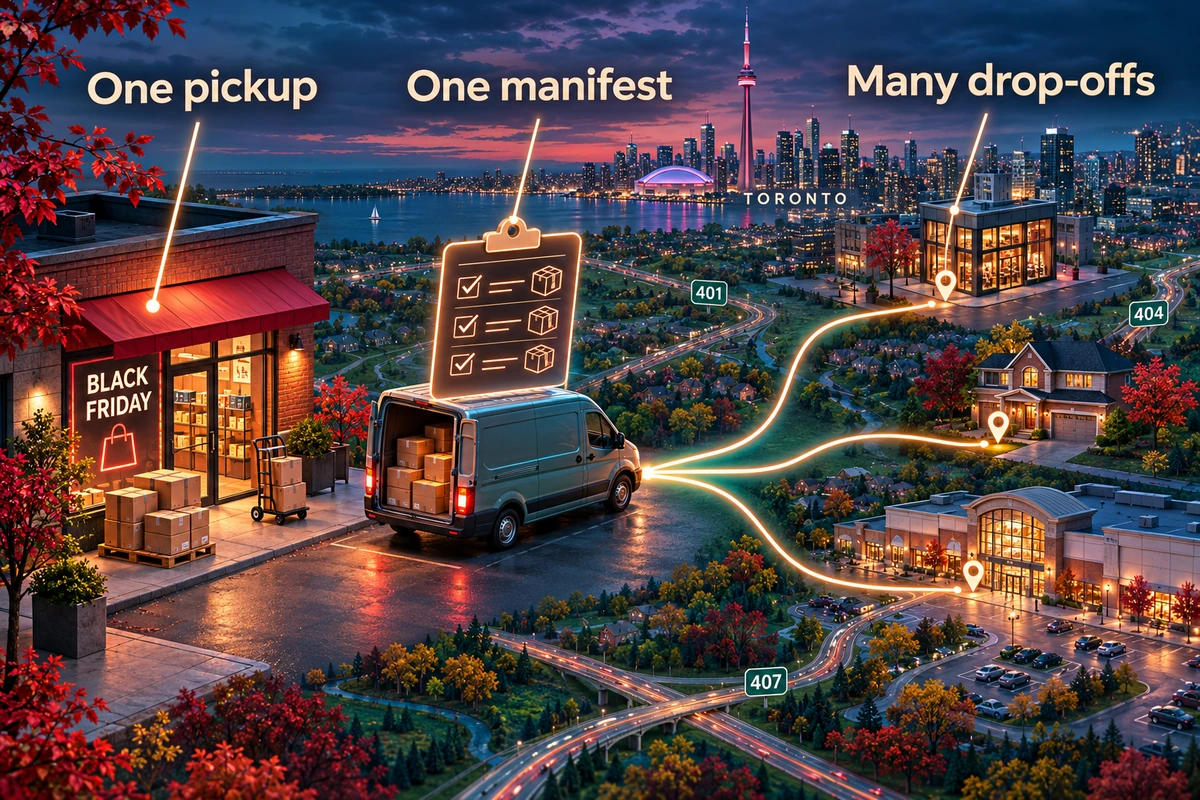
Keep direct urgent jobs separate. The Rush service is a direct single drop-off, booked during its published business-day window. Do not mix one urgent direct shipment into a multi-drop list and assume it will keep that direct-service expectation. Choose the displayed booking option against the actual pickup address, destinations and prepared parcels.
A Toronto boutique might have several ready local orders in the morning and one late order still waiting for a stock transfer. The ready orders go on a Same-day pickup list if booking is available; the late item stays out until it is truly ready and receives the next valid option. This example is a workflow, not a promise that every combination of addresses or goods is accepted.
Build a Manifest That Prevents Destination Mix-Ups
Use one row per delivery destination and one unique order ID per customer order. If an order has two packages, record both packages under that ID and make the package count explicit. A clear manifest is easier to reconcile than a row of names without parcel identifiers, especially when several people share a dispatch desk.
| Field | What the dispatch team records | Check before booking |
|---|---|---|
| Order ID | Unique store reference, repeated on its parcel label | Matches the paid order and package |
| Recipient | Name and reachable phone | Correct contact for this delivery |
| Destination | Street, unit, city and postal code | Complete, distinct address |
| Access | Buzzer, receiving desk or entry instructions | Usable handoff details |
| Package count | Number of parcels for the order | Matches the physical group |
| Service | Same-day, Next-day or other confirmed option | All items in the batch fit the booking |
| Status | Ready, booked, collected, delivered | Updated from an actual event |

Give staff one shared, controlled version of the manifest. The Topping Courier business page describes business workflows for repeated shipments, and its site refers to spreadsheet and API options. A small shop can begin with a carefully checked sheet; the critical part is the relationship among order ID, address, parcel count and booking reference. Do not let different staff members upload conflicting versions of the same batch.
Group Stops Without Inventing a Delivery Promise
Start with geography, then check the customer's real receiving constraints. Addresses in Toronto, Richmond Hill, Vaughan or elsewhere in the published coverage area still need to be checked as actual pickup and drop-off addresses at booking. Grouping nearby stops may simplify your team's dispatch view, but do not publish a route order or arrival minute unless the confirmed booking supplies it.
Mark any office reception that closes early, a building with a narrow receiving window, or a recipient who needs a call before arrival. Those details belong in the destination record, not in a separate message that a driver may never see. If a stop cannot meet the selected service or recipient instructions, move it to a different confirmed booking instead of hiding it in a large batch.
For example, a gift shop is shipping to three Toronto apartments and a Richmond Hill office. The office's receiving hours make it the constraint. The dispatch lead checks the service availability for all four addresses, records the office instructions, and confirms the booking before telling that customer what to expect. The shop does not dictate the driver's stop sequence; it gives the courier accurate inputs and tells the customer only the confirmed service window.
Run One Pickup With a Clear Release Count
Put all booked parcels in one collection group and compare the physical count with the manifest before release. Keep an order that is still being packed out of the group. If a two-package order has only one package at the collection point, correct that order before handoff. Topping Courier's multi-drop delivery guide discusses the broader benefit of one collection and many deliveries; the core check is still the package-to-order match.
Assign one staff member to own the batch status. That person marks the booking reference against each order, records the collected count and retains the dispatch list. The service terms call for accurate addresses, package details, readiness and access. If an address or parcel count changes, update the booking rather than editing only your local sheet.
One pickup does not mean every order shares the same customer story. Send each recipient their own tracking information when available. Do not expose the full batch manifest to a customer just because their order is one row in it.
Reconcile Every Drop Against the Original Order
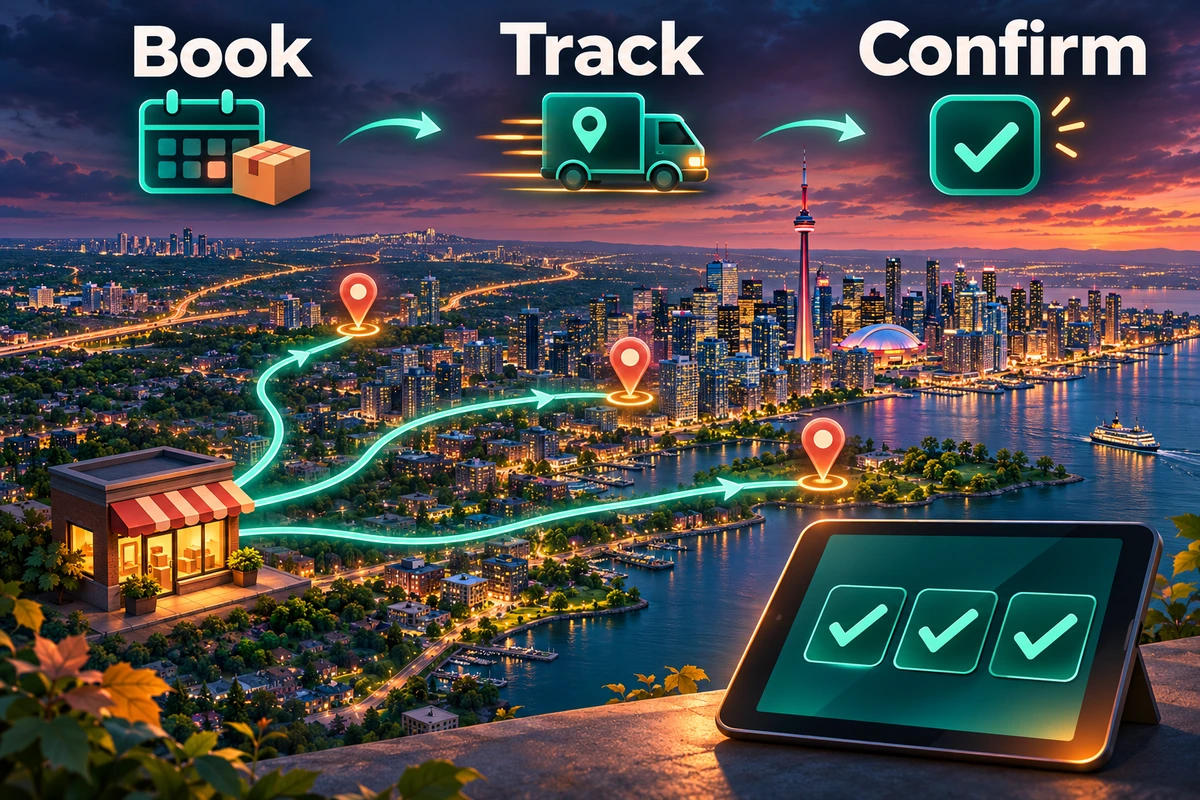
Close the batch by order ID, not by a single “all sent” checkbox. Match each tracking reference to its destination and check its final delivery record. Topping Courier describes live tracking and proof of delivery, and its proof-of-delivery guide explains how a delivery record supports a customer conversation.
If a customer asks about one parcel, search the store order ID, confirm the matching courier reference, inspect the current tracking state and give an answer for that shipment alone. If the final record shows a problem, isolate that order for follow-up while the rest of the batch remains traceable. This is the advantage of a manifest with unique IDs: one exception does not erase visibility across the other deliveries.
At the next dispatch, keep the same columns and fix any repeated data gaps. If unit numbers are missing from several orders, make the checkout address field mandatory or add a human review before booking. If the packaging count is frequently wrong, add a count check at the release shelf. The improvement is a tighter process, not a larger spreadsheet.
Frequently Asked Questions
Can one Topping Courier pickup cover several GTA customers?
Yes. Its Same-day and Next-day service pages describe multi-drop delivery from one pickup to multiple drop-offs. Check the specific addresses and available booking option before confirming the batch.
Should a Rush delivery be part of the same multi-drop booking?
No. Rush is described as a direct, single-drop-off service. Keep that urgent shipment in its own confirmed booking.
What if one customer ordered two parcels?
Record both parcels under the same unique store order ID, note a package count of two, and verify both at collection. Keep the courier reference linked to that order.
Can we tell customers which stop will be delivered first?
No. Share the confirmed service window and each customer's tracking information. Do not invent a stop sequence from your own manifest order.
How do we check that every drop was completed?
Compare the original manifest row by row with the booking references, tracking states and proof-of-delivery records. Follow up on the specific order that lacks a complete record.
Book Your Black Friday Multi-Drop Pickup
Prepare a clean destination manifest, verify the parcels and select the service that fits the complete group. Set up a Topping Courier business delivery for your GTA orders, enter Promo Code: BLACKTOPPING when booking, and keep each customer's tracking and delivery record connected to the original order ID.